
What is digital signage? A plain-English guide for small businesses
Digital signage and narrowcasting explained without jargon: what you need, what it costs and how a café, shop or office starts with one screen.
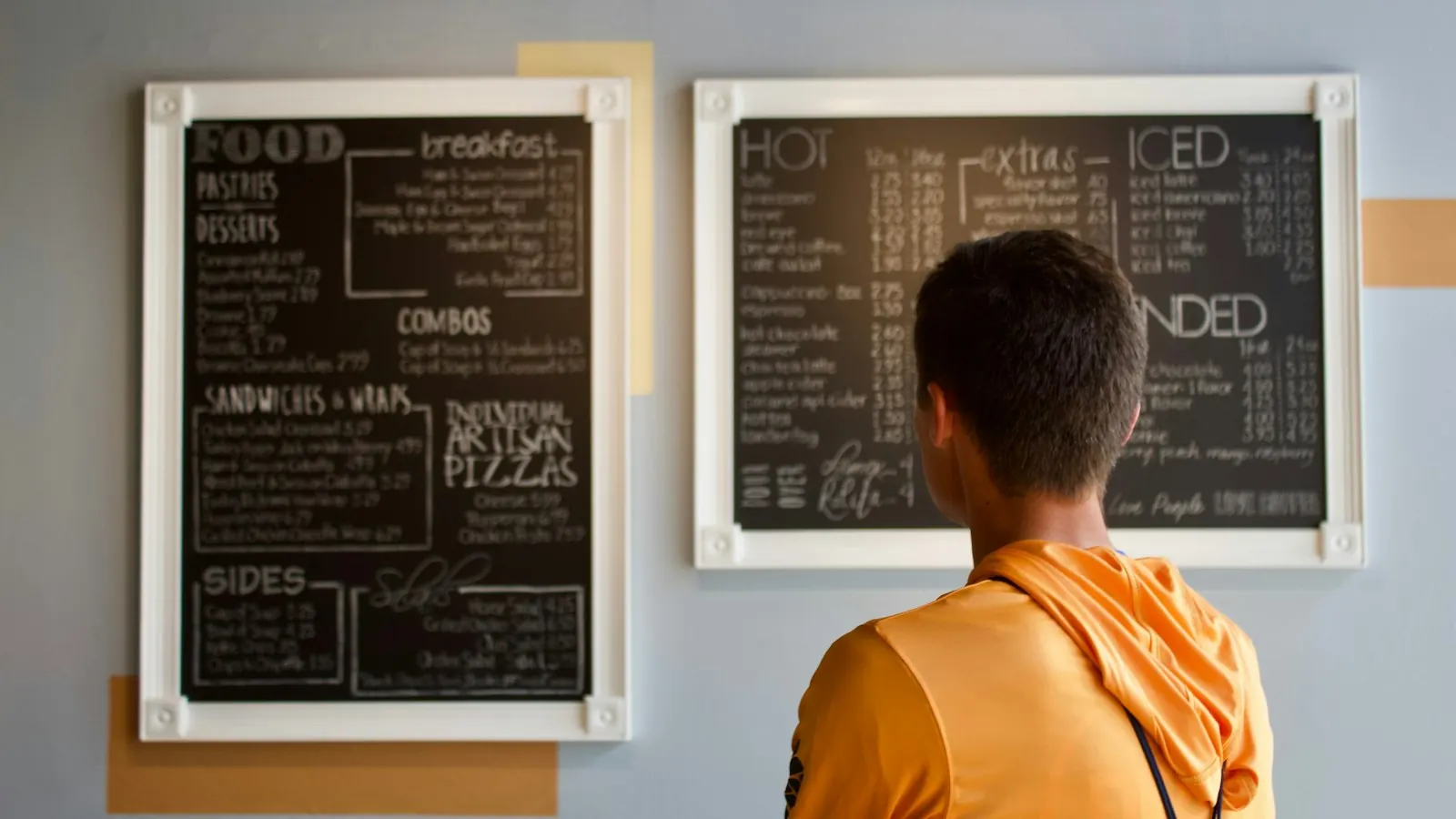
Digital signage is a screen that shows content you control from somewhere else: a menu, a promotion, a welcome message, the weather, photos from last night’s event. You change it from a laptop or phone instead of walking over with a USB stick.
In the Netherlands and Belgium you’ll often hear the word narrowcasting for the same thing. Strictly speaking, digital signage is the umbrella term for any digital screen communication, and narrowcasting is the version where the message is tailored to a specific audience in a specific place, like the people queuing at your counter at lunchtime. In practice the two words are used interchangeably.
The three parts of every setup
Every digital signage setup, from one café screen to hundreds of stores, has the same three parts:
- A screen. A TV or a professional display. (We compare the two in consumer TV vs commercial display.)
- A player. The device that actually shows the content. It can be built into the screen, a small media player, a tablet or a computer.
- Software. The online dashboard where you upload content, build playlists, set schedules and choose which screen shows what.
The software is where most of the difference between products is. Some are built for advertising networks with hundreds of screens, others for a single business that wants to update its screens in a few minutes.
What people actually use it for
- Hospitality: daily specials, breakfast and lunch menus, happy hour, upcoming events. See digital menu boards.
- Retail: weekly promotions, new arrivals, window displays that change after closing time.
- Offices: company news, visitor welcomes, safety information. See digital signage for internal communication.
- Events: programmes, sponsor content and live photo walls. See QR photo walls.
Why not just play a USB stick on a TV?
You can, and many businesses start that way. It stops working the moment you want to:
- change something without walking to the screen,
- show different content in the morning and the evening,
- run the same content on screens in more than one location,
- see whether a screen is actually playing.
That’s the gap digital signage software fills. With scheduling by day and time, the screen switches from breakfast to lunch on its own, and nobody has to remember to do it.
What it costs
For a single screen you’re looking at the screen itself, a player if the screen can’t run the software, and a monthly software subscription. Rivowall costs €9 per screen per month or €90 per year, with every feature included. We break down the full picture in how much digital signage costs.
What to look for in software
A short checklist (the long version is in how to choose digital signage software):
- Offline playback. Does the screen keep playing when the Wi-Fi drops? More in digital signage without reliable internet.
- Scheduling. Can you plan content by weekday and time of day?
- Simple publishing. Can a colleague update the menu without training?
- Pricing per screen. Can you start with one screen and add more later?
How to start
Start with the one screen that matters most: the one behind your counter, in your window or in your lobby. Put three to six pieces of content on it, schedule them to match your day, and look at it from where your customers stand. If it earns attention there, add the next screen.
You can try Rivowall free for 14 days, without a credit card.