
Dayparting for digital signage: the right content at the right hour
Schedule digital signage by time of day and weekday: breakfast, lunch and evening content on one screen, campaigns with end dates and urgent messages.
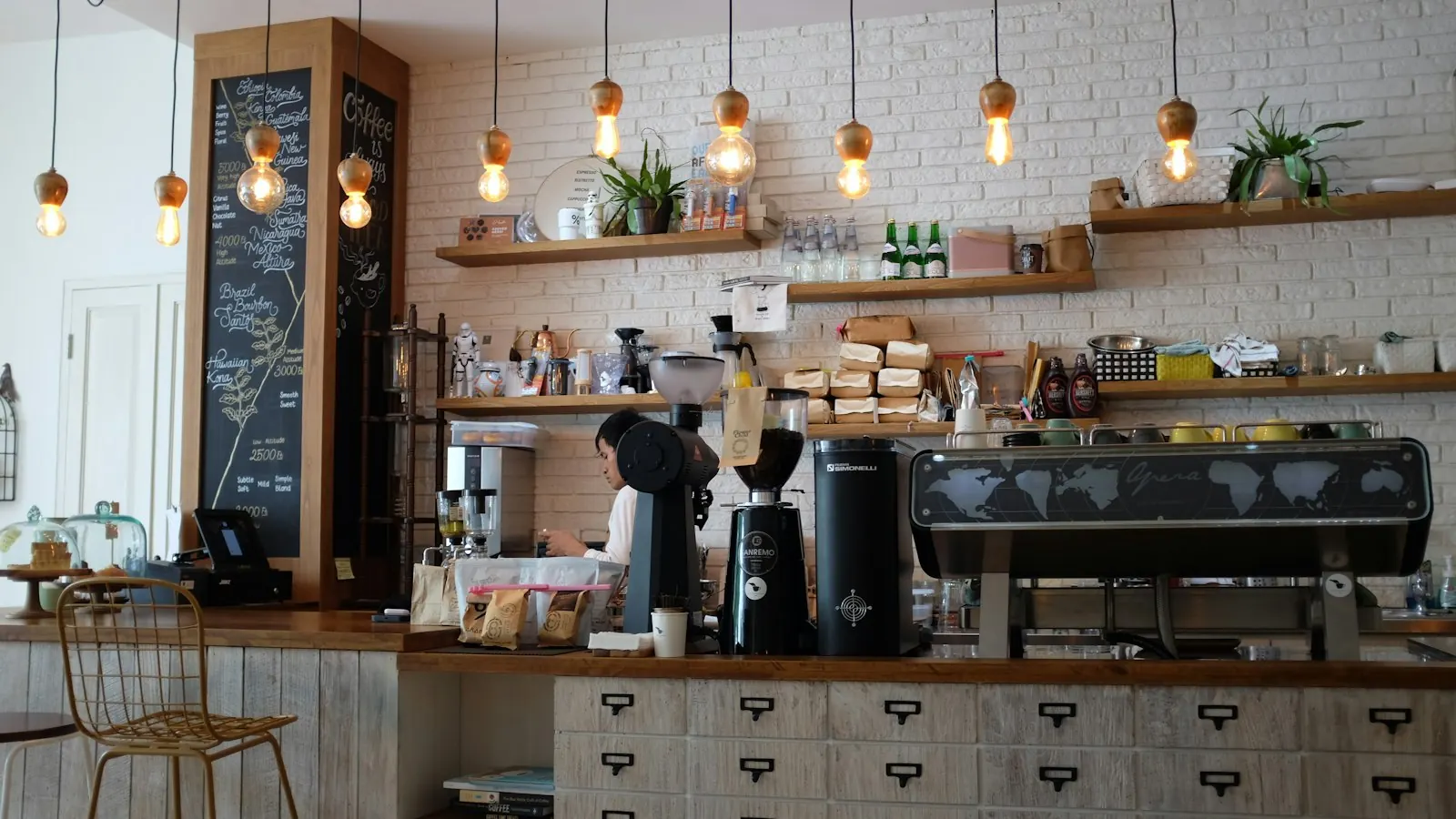
The fastest way to make a screen look neglected is to show the wrong thing at the wrong time. A breakfast offer at four in the afternoon. A weekend brunch on a Tuesday. Last month’s promotion.
Dayparting fixes that: you split the day into parts and give each part its own content. Restaurants have done it with menus for decades. On a screen, the software does the switching for you.
Why dayparting works
- Relevance. People notice what fits the moment they’re in. A lunch combo at 11:45 sells. At 15:30 it’s noise.
- Freshness. Regular guests see different content at different visits, so the screen doesn’t fade into the wallpaper.
- Less work. You plan the week once. Nobody has to remember to change the screen at 11:30.
Start with your day, not your content
Write down what actually happens in your venue over a day. For a café it might look like this:
| Daypart | Who’s there | What they need |
|---|---|---|
| Morning, 07:00–11:00 | commuters, coffee to go | speed, breakfast deals |
| Lunch, 11:30–14:30 | office workers, groups | lunch menu, soup of the day |
| Afternoon, 14:30–17:00 | quieter, longer visits | cake, events, review request |
| Evening, from 17:00 | after-work drinks | drinks, happy hour, photo wall |
A shop has a different rhythm (opening, lunch peak, after work, after closing in the window). An office has arrivals, lunch and the end of the day. The principle is the same.
How scheduling works in Rivowall
You build a playlist per daypart and schedule it by weekday and time. A few things make this easier than it sounds:
- Dayparts win over all-day content. If you have an all-day playlist and a lunch playlist at the same priority, the lunch playlist takes over during lunch and the all-day content returns afterwards. You don’t need a separate playlist for “the rest of the day”.
- Three levels of priority. Standard for everyday content, campaign for promotions that should take precedence for a while, and urgent message for things that must override everything, like a closure or a safety notice.
- End dates per item. Give a seasonal special or a promotion an end date and it stops by itself, even if the screen is offline at that moment.
- Schedules keep working offline. The player already knows the schedule, so a switch at 11:30 happens even if the internet is down. See offline playback.
A simple weekly plan
- Base playlist (standard, all day): your brand, opening hours, two or three evergreen items.
- Daypart playlists (standard, by time): breakfast, lunch, evening.
- Weekend variation: a brunch playlist on Saturday and Sunday mornings only.
- Campaign (campaign priority, with an end date): this month’s promotion, layered over the regular content.
- Urgent message (only when needed): “Closed today due to a power cut” overrides everything until you remove it.
Common mistakes
- Too many dayparts. Start with three. You can always split later.
- Forgetting the end of a campaign. Use end dates instead of reminders.
- Ignoring the weekend. Saturday morning rarely looks like Tuesday morning.
- Planning content nobody sees. If the screen isn’t visible from the queue at lunch, dayparting won’t fix it. Move the screen first.
Try it
Make two playlists, morning and afternoon, and schedule them. Look at the screen at both times. That’s dayparting. Try Rivowall free for 14 days, or see how it’s used in hospitality and retail.